deployment
Deployment & Configuration
NFO integrates with Elastic by sending data via UDP in JSON format. You can use either Filebeat or Logstash to ingest this data into Elasticsearch.
1. Option A: Using Filebeat (Lightweight)
Filebeat is recommended for a simple "NFO -> Filebeat -> Elasticsearch" pipeline.
- Configure Input: In your
filebeat.yml, add a UDP input to listen for NFO:
filebeat.inputs:
- type: udp
  host: "0.0.0.0:5514"
  max_message_size: 10KiB
- JSON Decoding: Add a processor to parse the NFO JSON string:
processors:
  - decode_json_fields:
      fields: ["message"]
      target: ""
      overwrite_keys: true
2. Option B: Using Logstash (Advanced)
Use Logstash if you need to add calculated fields or perform complex data filtering at index time.
- Configure Pipeline: Add an
nfo.confto your Logstashconf.ddirectory:
input {
  udp {
    port => 5514
    codec => json
  }
}
output {
  elasticsearch {
    hosts => ["http://localhost:9200"]
    index => "nfo-%{+yyyy.MM.dd}"
  }
}
3. Configure NFO Output
Set NFO to stream the data to your chosen collector.
- In the NFO GUI, go to Data Outputs and click (+).
- Type: Select JSON (UDP).
- Address: The IP of your Filebeat/Logstash host.
- Port:
5514(to match your collector configuration).
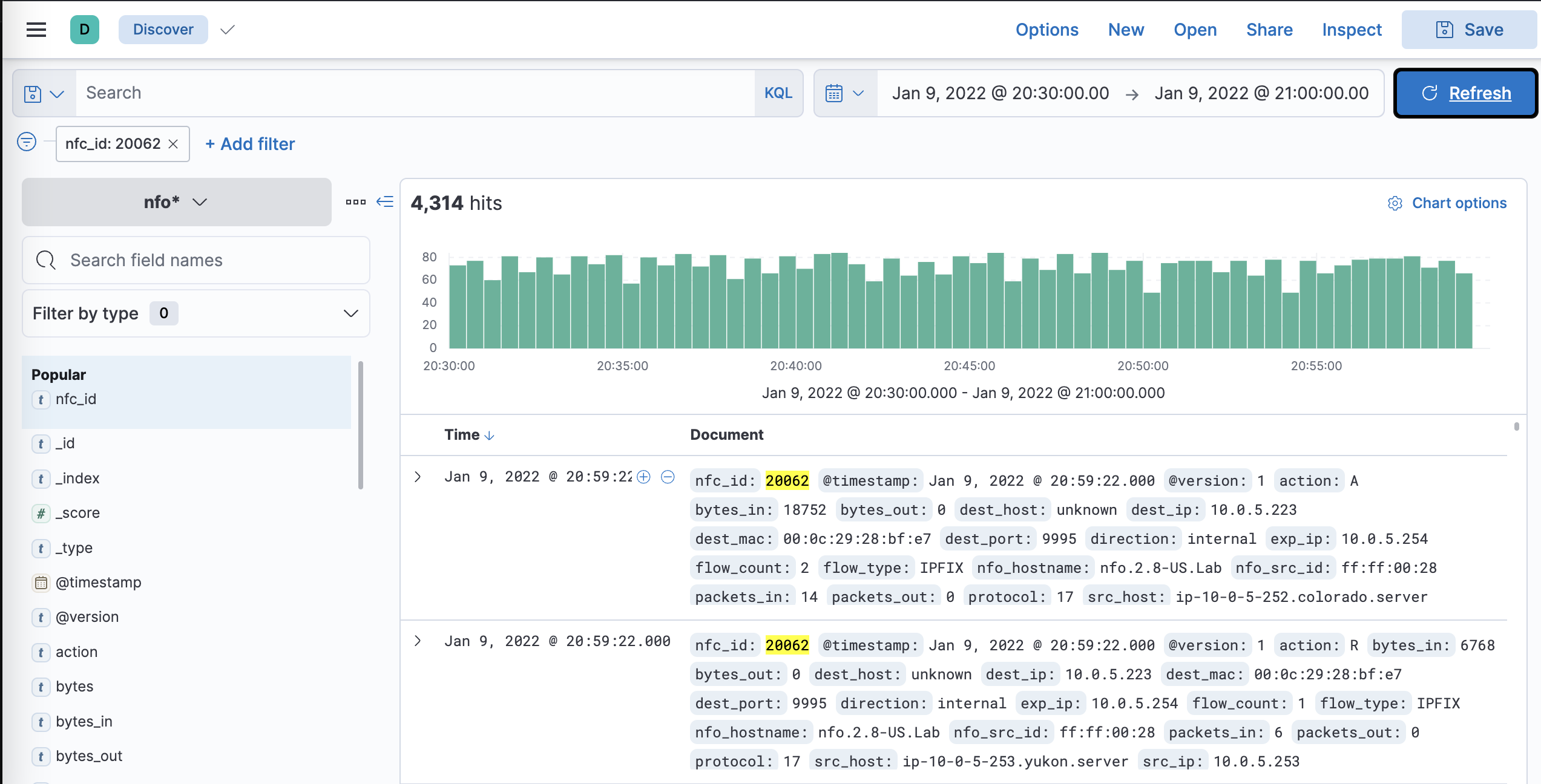
4. Verification in Kibana
Verify that the data is appearing correctly in Elasticsearch.