SNMP Trap Inputs
You can configure NetFlow Optimizer to receive SNMP traps.
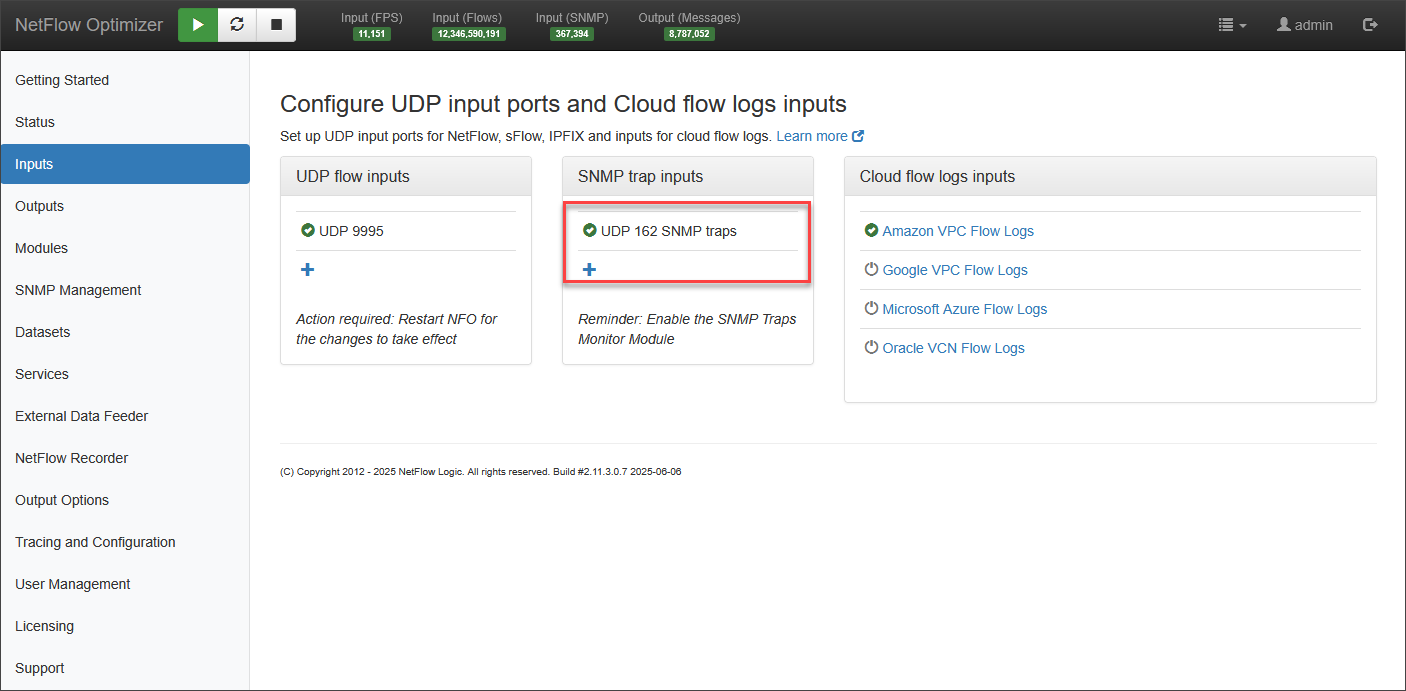
To change the default SNMP trap input UDP port number or to add additional ports, follow the steps below.
- Mouse over and click on the ‘edit’ symbol to change the existing input port

-
Click ‘Save’
-
Click on the + sign to add additional data input ports
-
Click ‘Save’
-
Enable the Module: Navigate to Modules > Utilities > 10700: SNMP Traps Monitor and toggle the module to Enabled.
-
Monitor Statistics: To view trap activity, go to the Status > Statistics page. Locate the SNMP panel to monitor the SNMP traps received metrics.
To receive SNMP traps using SNMP v3, you must first create the corresponding credentials. For detailed instructions, refer to the SNMP Credentials section of SNMP Management documentation.
For other configuration options related to SNMP trap inputs, see the Environment Variables section of SNMP Management documentation.