Microsoft Sentinel Integration
Integrating NetFlow Optimizer (NFO) with Microsoft Sentinel provides a robust foundation for analyzing your on-prem network traffic patterns by solving the two biggest challenges in cloud-native SIEM: data volume and contextual visibility.
NFO acts as a high-performance enrichment and reduction engine, processing raw NetFlow and IPFIX records before they reach your workspace. This ensures your SOC team receives lean, actionable intelligence rather than a flood of raw logs.
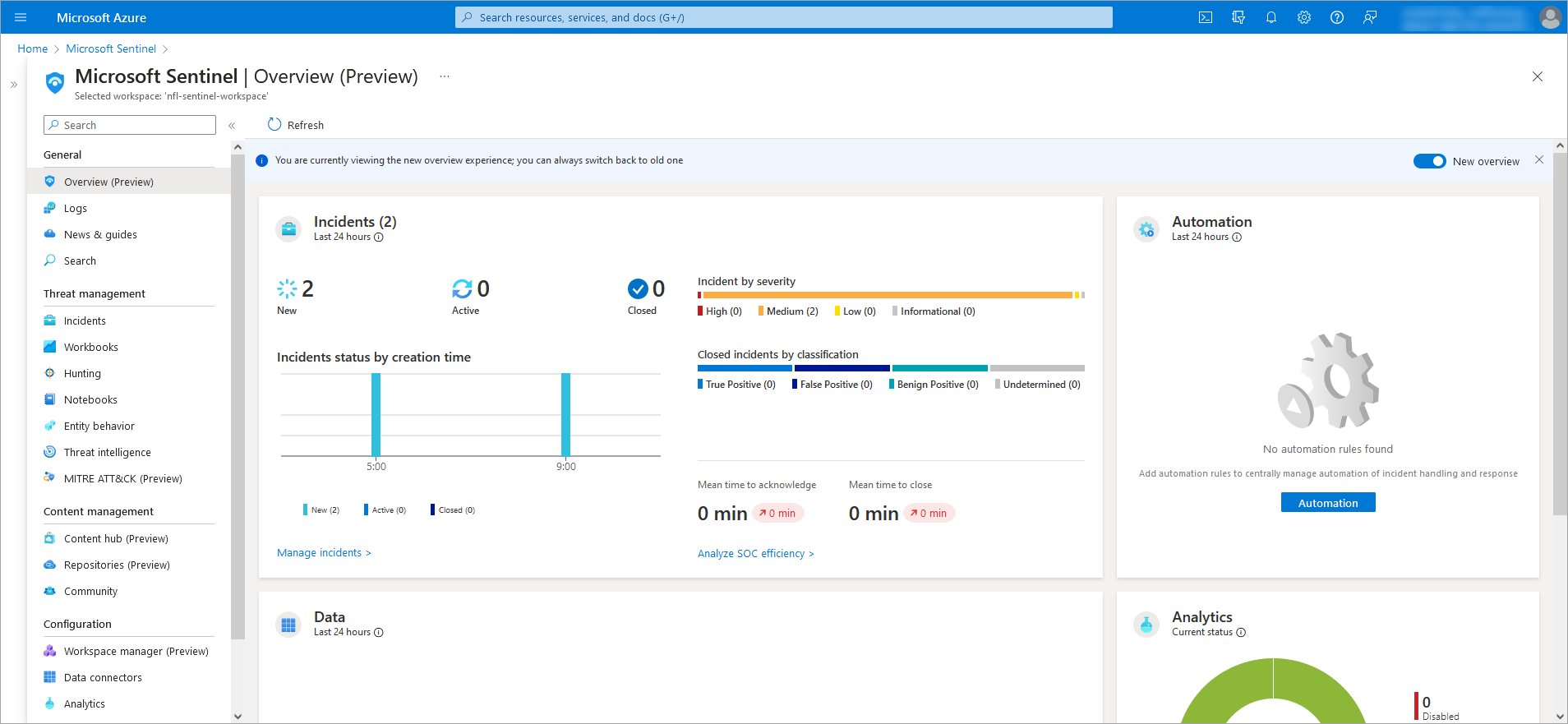
The NFO Advantage for Sentinel
By leveraging Sentinel's advanced analytics and AI, organizations can uncover actionable insights with unparalleled accuracy. NFO optimizes this process through three primary functions:
-
Intelligent Volume Reduction: NFO identifies and aggregates similar flow data at the edge, reducing data volume by up to 80% to 90%—ensuring you only pay to ingest and store high-value, actionable security events in Azure Log Analytics.
-
Contextual Enrichment: Before data reaches Sentinel, NFO attaches critical metadata—such as DNS names, VM identities, and User IDs -- directly to the flow records.
-
Proactive Threat Intelligence: NFO correlates flows against real-time reputation feeds, allowing Sentinel to immediately flag communications with known malicious hosts.
Solutions & Visibility
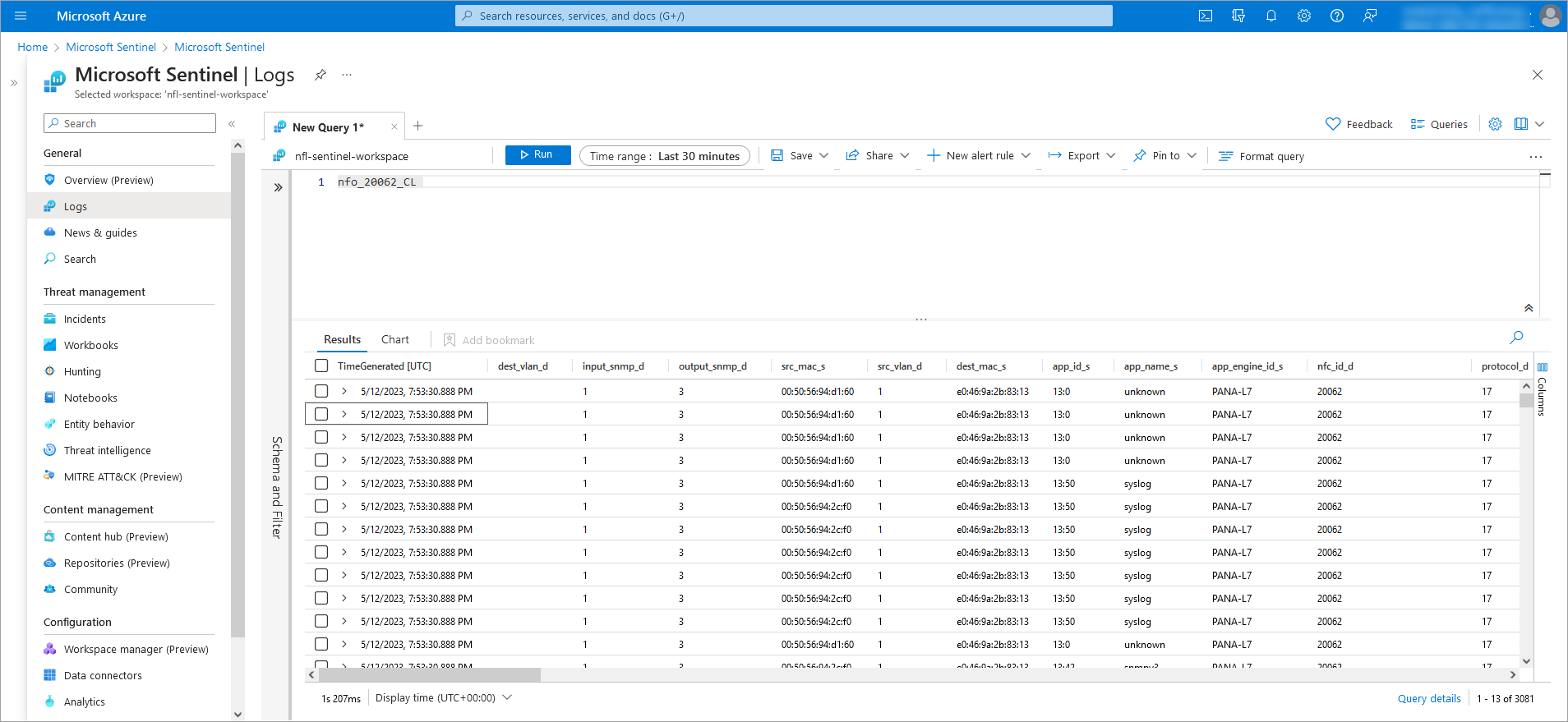
Once the data is pushed to your Azure Log Analytics Workspace, it is immediately available for analysis in Sentinel Logs and specialized dashboards.
| Solution | Business & Security Value |
|---|---|
| Enriched Log Hunting | Use KQL to search for threats using hostnames and identities instead of just IP addresses. |
| Traffic Overview | Monitor network volume and host performance to optimize operations and troubleshoot effectively. |
| Threat Monitoring | Track communications with malicious hosts categorized by threat feed and reputation. |
| Critical Port Audit | Monitor high-risk port usage (SSH, RDP, FTP) and analyze DNS traffic for anomalies. |
How It Works
The integration is designed for streamlined operations, ensuring organizations stay ahead of emerging threats.
- Ingestion: NFO collects NetFlow/IPFIX from your infrastructure.
- Processing: Data is stitched, reduced in volume, and enriched with context.
- Output: NFO pushes the data directly to your Azure Log Analytics Workspace.
- Action: Sentinel utilizes the enriched logs for alerting, hunting, and reporting.
Next Steps
Deployment & Configuration
A technical guide on setting up the Azure Log Analytics Workspace output, including Workspace IDs and API keys.
Sentinel Workbooks Reference
Detailed documentation of the pre-built visual interfaces for traffic monitoring and security forensics.